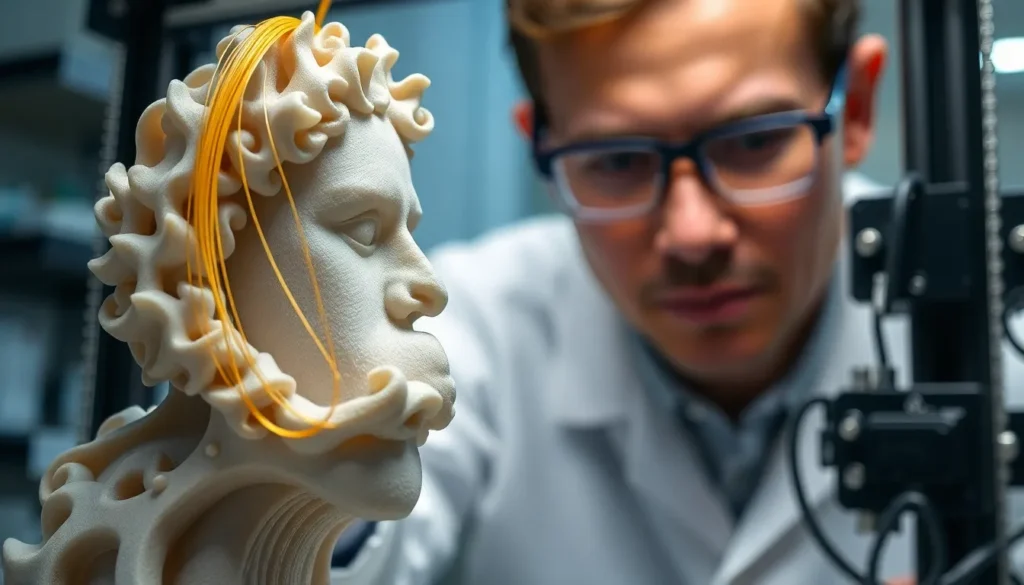
In the world of 3D printing, stringing is the pesky little gremlin that loves to ruin your masterpiece. Picture this: you’ve spent hours crafting the perfect model, only to find it adorned with unwanted strands like a spaghetti monster on a bad hair day. Stringing can turn a stunning creation into a tangled mess faster than you can say “filament.”
Understanding Stringing 3D Printing
Stringing in 3D printing involves unwanted filaments that appear between printed parts. This complication can detract from the quality of a model and is common among various printing materials.
What is Stringing?
Stringing occurs when a 3D printer extrudes filament while moving between different locations. These unwanted strands, resembling thin threads, often form when the nozzle heats up and allows plastic to ooze out. Many users find that stringing primarily affects prints with elaborate details or multiple parts. Occasional adjustments to printing settings can minimize this issue, leading to cleaner results.
Common Causes of Stringing
Several factors contribute to stringing in 3D printing. High nozzle temperature often leads to increased filament flow, promoting string formation. Insufficient retraction settings also allow filament to ooze, worsening the problem. In addition, moisture in the filament can cause bubbling, leading to inconsistent extrusion. Lastly, printing speed plays a role, as lower speeds may increase stringing due to longer exposure of the molten filament in the nozzle. Addressing these aspects can help reduce stringing significantly.
Effects of Stringing on Print Quality
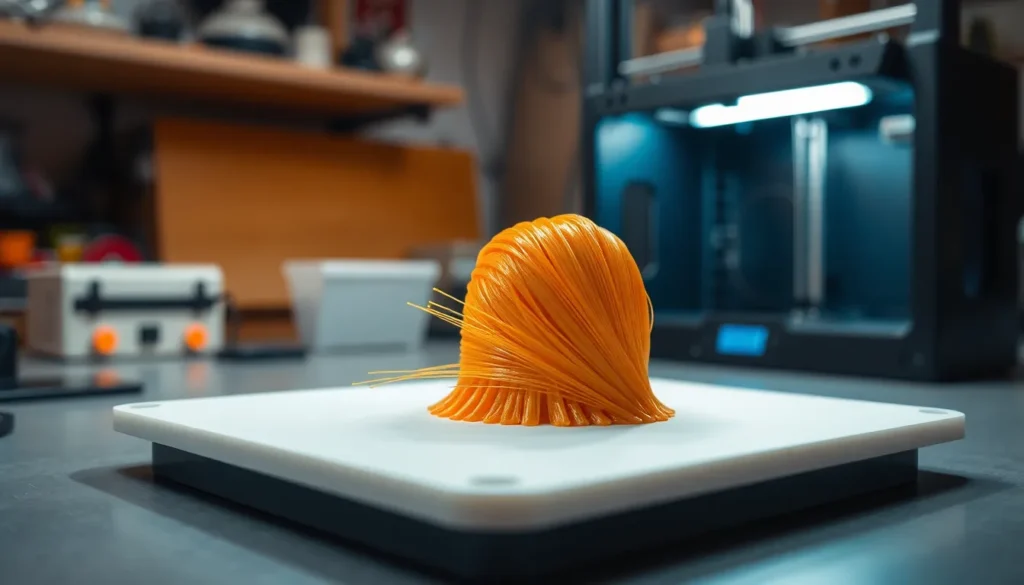
Stringing significantly impacts print quality in multiple ways. Various issues arise due to excessive filament strands, affecting both appearance and functionality.
Visual Impact
Stringing creates unsightly strands across a model’s surface. These filament threads interfere with the intended aesthetic, resulting in a less polished appearance. In intricate designs, the effect becomes even more pronounced, drawing the viewer’s attention away from details. Printing high-resolution parts can also be compromised by these unwanted strands, creating an overall impression of less care or precision. Models meant for display or detailed applications often suffer the most, as visual flaws become increasingly noticeable. Maintaining a smooth and clean surface is crucial for presenting high-quality prints. Therefore, addressing stringing is essential in achieving the desired visual standards.
Structural Integrity
Stringing not only affects appearance but also compromises structural integrity. Unwanted strands can create weak points, reducing a model’s durability and overall strength. Critical components may fail or break under stress, particularly in functional prints. Poor adhesion between layers can result from overlapping filament strands, leading to compromised load-bearing capabilities. This issue is especially significant in mechanical parts or assemblies requiring precise fits. Reliability and performance heavily depend on proper filament flow, making it necessary to mitigate stringing effects. Strengthening the model through effective retraction and temperature settings enhances both its visual appeal and structural performance.
How to Diagnose Stringing Issues
Diagnosing stringing issues in 3D printing requires attention to specific factors. Several print settings can contribute to the presence of stringing, making them essential to review.
Print Settings to Check
First, examine the nozzle temperature. High temperatures can cause excessive filament flow, leading to stringing. Next, review retraction settings; insufficient retraction may fail to pull filament back into the nozzle effectively. Consider the printing speed, as slower speeds can allow the filament to ooze during movement. Additionally, ensure the cooling settings are appropriate; inadequate cooling can prevent filament from hardening quickly, exacerbating stringing problems. Finally, double-check that the filament type matches the printer’s specifications, as different materials have unique properties affecting stringing.
Test Prints for Diagnosis
Conducting test prints helps identify stringing issues effectively. Small models with varying complexities can serve as excellent test cases. For example, print a simple benchmark model to evaluate the baseline performance. Adjust one setting at a time and observe the results; this method isolates variables impacting stringing. Furthermore, use different filament brands or colors, as variations may highlight specific issues. Document each test print’s performance and settings to track improvements. Analyzing the prints enables clearer identification of problematic behaviors and facilitates faster adjustments in the future.
Solutions to Reduce Stringing
Reducing stringing in 3D printing involves several key adjustments to the print settings.
Adjusting Temperature and Speed
Printing temperature plays a critical role in stringing. Lowering the nozzle temperature can reduce filament dripping during non-print moves. For example, decreasing the temperature by 5-10°C can significantly improve results. Additionally, adjusting print speed is vital; a slower speed minimizes the opportunity for stringing to occur. Testing various speeds, like reducing the default speed by 20%, often yields better quality prints. Achieving the right temperature and speed balance leads to less filament oozing and a cleaner print.
Utilizing Retraction Settings
Retraction settings must be optimized to combat stringing effectively. Increasing the retraction distance helps pull filament back before the nozzle moves, reducing the chance of oozing. Common adjustments include setting the retraction distance between 1-6 mm, depending on the filament type and printer. Also, increasing the retraction speed facilitates quicker filament withdrawal, further decreasing stringing. Users frequently find that incremental changes to these settings lead to noticeable improvements in print quality. Prioritizing proper retraction configurations enhances overall print fidelity.
Addressing stringing in 3D printing is essential for achieving high-quality results. By understanding the causes and implementing targeted adjustments to print settings, users can significantly enhance their models’ appearance and structural integrity. Careful management of nozzle temperature, retraction settings, and print speed can lead to cleaner prints and a more professional finish.
Through diligent testing and fine-tuning, 3D printing enthusiasts can overcome the challenges posed by stringing. This not only improves the aesthetic appeal of their creations but also ensures that functional parts maintain their strength and durability. Embracing these practices will elevate the overall 3D printing experience and yield impressive results in every project.